Foodics
Every order, shown back to the driver.
Connect Foodics to OmmaSign and the confirmation screen in your drive-thru lane mirrors the order as the crew rings it up, line by line. Drivers check their own order before they reach the window.
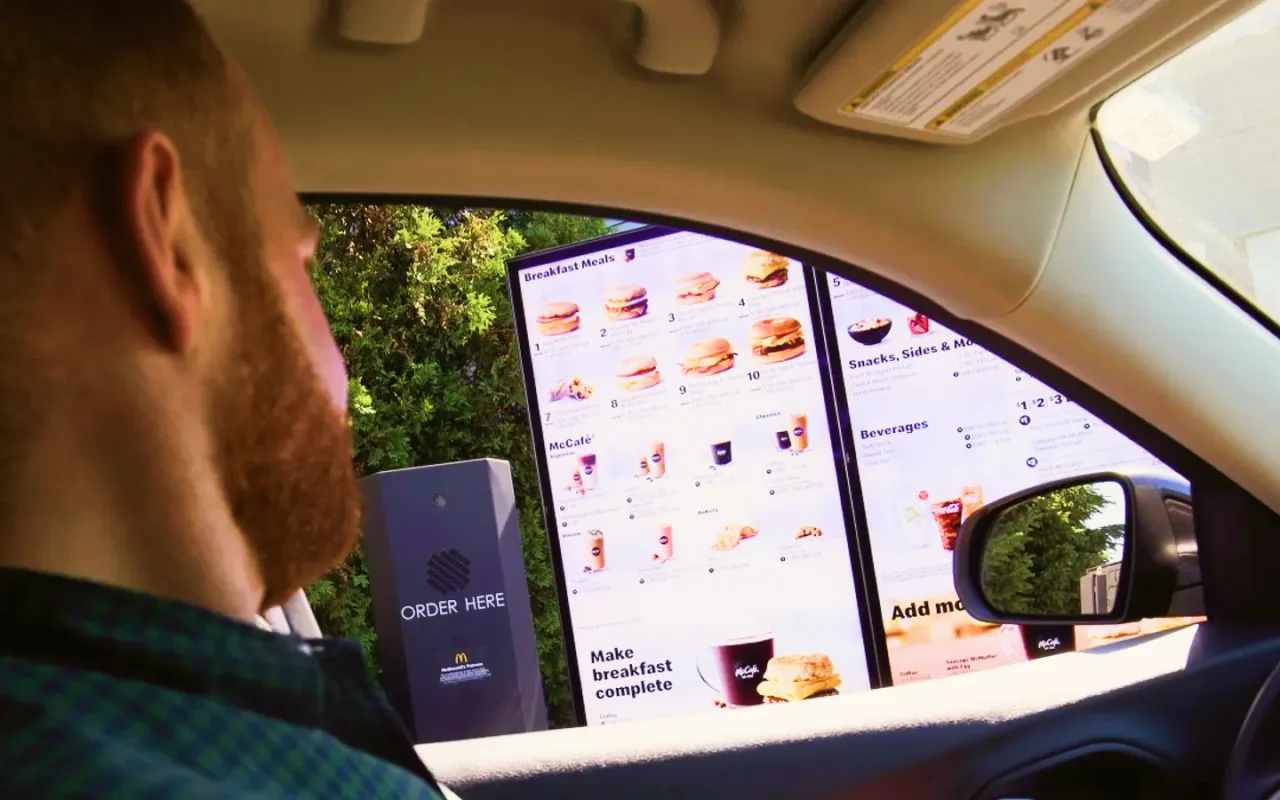
The order on screen, straight from the POS.
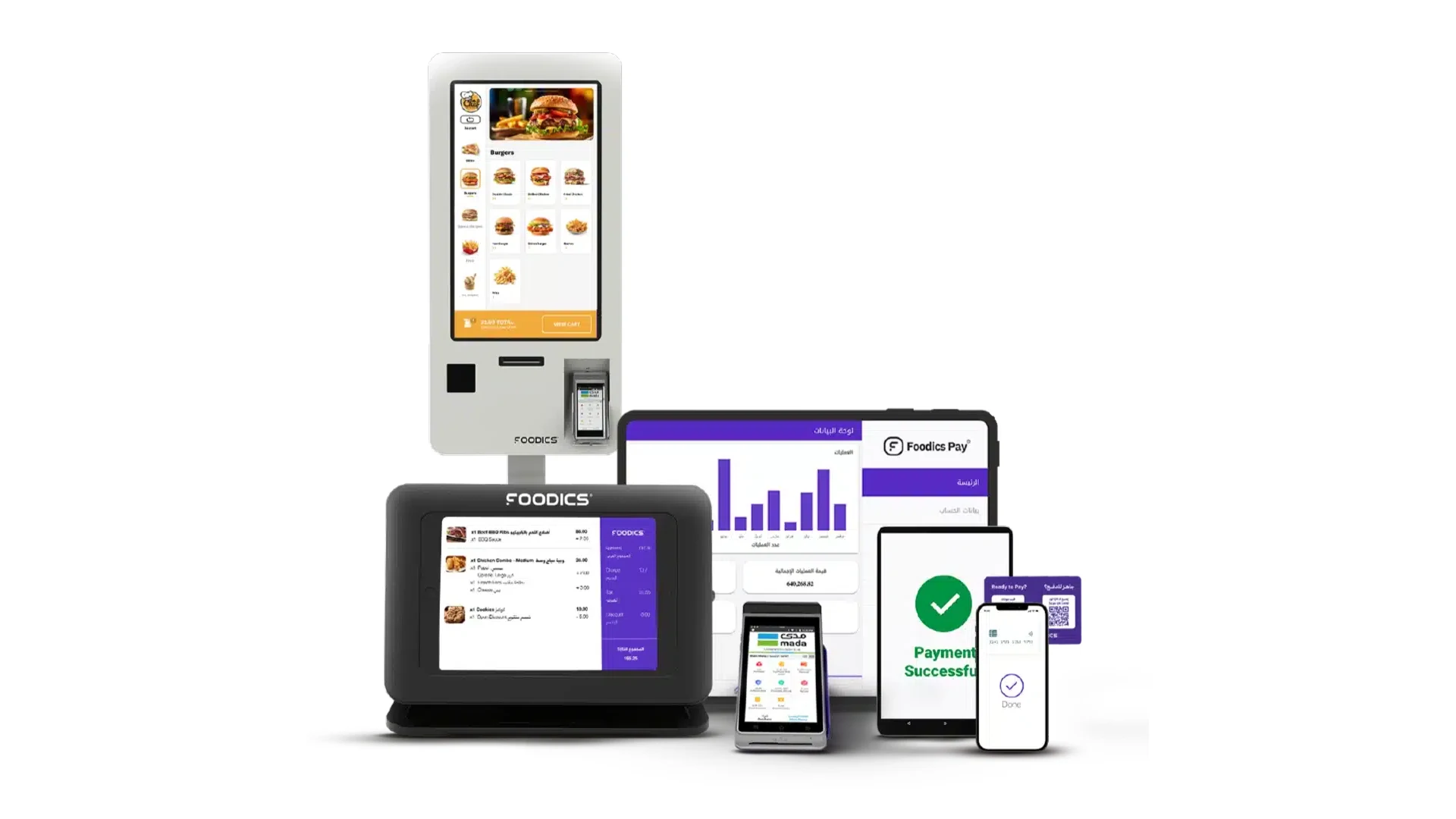
Foodics is the cloud POS and restaurant management system behind more than 30,000 restaurants across the Middle East and North Africa, the system of record for every order your crew takes.
Connected to OmmaSign, that live order drives the confirmation display in your drive-thru lane. Each item appears as it is rung up, priced and totalled exactly as the POS has it. Nothing is re-keyed, and there is no second order feed to keep in step.
A lane that confirms itself
Order confirmation driven by the POS your crew already works in.
Live order mirroring
Each line lands on the confirmation screen as the crew rings it into Foodics.
Fewer wrong orders
Drivers catch a mistake at the speaker instead of discovering it at the window.
One screen per lane
Dual and triple lanes each show their own order, routed from a single OmmaSign setup.
Every branch, one rollout
Add a site and its lanes pick up the same confirmation layout.
Promos beside the order
Scheduled OmmaSign content runs alongside the live order, with no change to the POS.
Less time at the window
The order is agreed in the lane, so the crew is not re-reading it back at the window.
From POS to lane screen in three steps
Authorize Foodics, point each lane at its screen, and let it run.
- 1
Connect Foodics
Authorize OmmaSign to read live order data from your Foodics account.
- 2
Map lanes to screens
Point each lane's order at the right confirmation display, and design the layout once in OmmaSign.
- 3
Go live
Orders appear on screen as the crew rings them up.
Let the driver check the order.
OmmaSign reads the live order from Foodics and puts it on the screen in the lane, so the person who placed the order is the one who checks it.
- Items appear as the crew rings them into Foodics.
- Prices and totals match the POS exactly.
- Each lane shows its own order.
- Mistakes get caught at the speaker, not the window.
- Scheduled promos run alongside the order.
- One layout rolls out to every branch.
Connect it to OmmaSign
The Foodics integration drives drive-thru order confirmation today. Tell us how many lanes and branches you run, and we'll help you scope and enable it.
Get the order right in the lane.
Pair Foodics with OmmaSign so every drive-thru order is confirmed on screen before it reaches the window.
OmmaSign integrates with Foodics point-of-sale systems for drive-thru order confirmation. Foodics is a trademark of its respective owner. Integration scope and availability may vary by Foodics plan and deployment.